

Cloud
Small Business Cloud Migration: Steps and Pitfalls
What to move, what it really costs, and the mistakes to avoid.
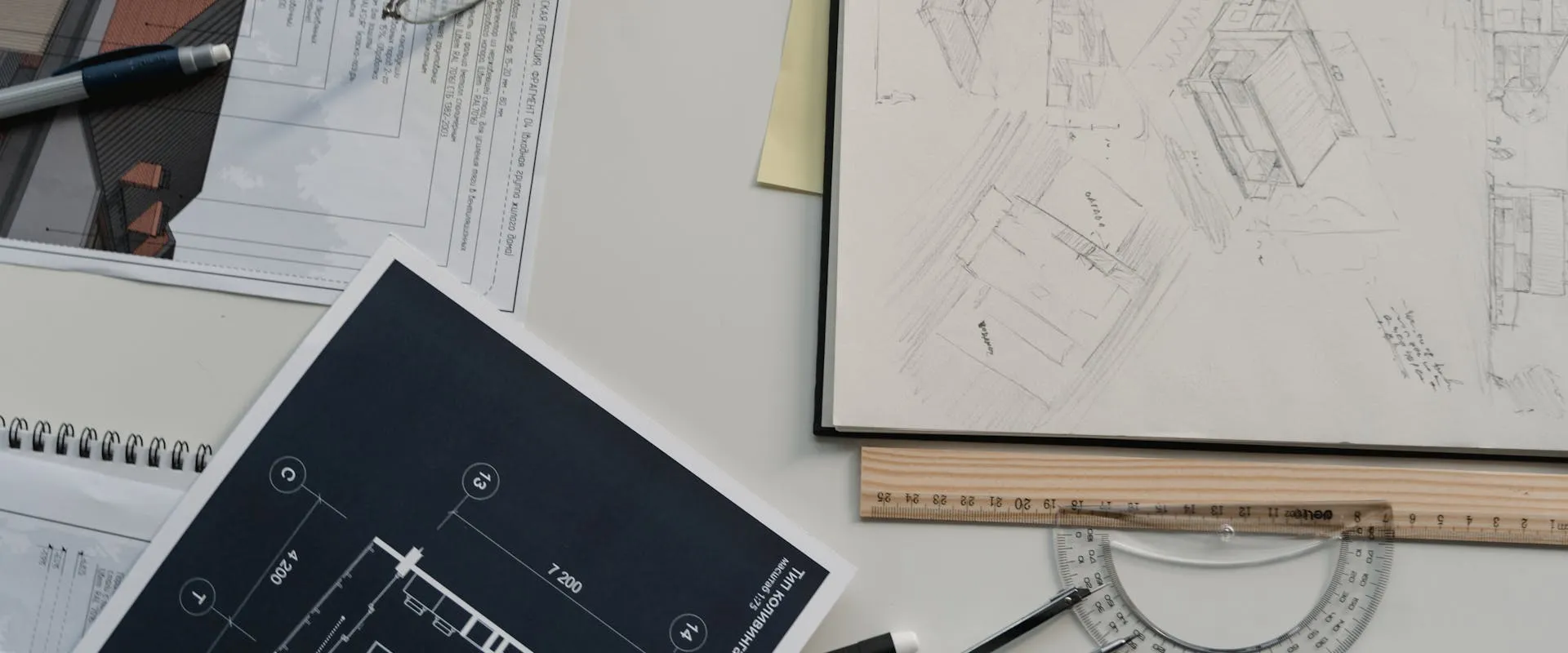
Architecture and engineering firms run on powerful workstations, huge project files and shared models. NGT Technology sets up and supports the IT behind all of it, so your team can design instead of waiting on slow machines.
Architecture & Engineering IT Experts
A/E firms have tech needs most general IT providers don't get: high-end CAD workstations, terabytes of project files and BIM sync that has to just work. NGT Technology has supported professional services firms in Lawrenceville and Gwinnett County since 2019, and Martin has been in IT since 2009.
Built Around Your Firm
Setup and support for high-end workstations running AutoCAD, Revit, Civil 3D and other design software. We tune GPU settings, memory and storage to cut lag and keep your designers moving.
Setup for BIM 360, Autodesk Construction Cloud and Bluebeam Studio. We configure project sharing, version control and real-time collaboration so your team can work on the same models without stepping on each other's changes.
Storage built for big project files, 3D models and renders. We set up fast NAS, cloud storage tiers and file transfer tools so your team isn't stuck waiting on files.
Support for on-site and cloud rendering, CPU or GPU. We set up render farms, tune the network and add cloud rendering for when a deadline needs extra horsepower.
IT support for Newforma, Deltek, ProjectWise and other A/E project management platforms. We install them, connect them and make sure they talk to your design tools and accounting software.
Protection for project files, client designs and bid documents. Automated backups, access controls and version history mean you can get lost work back and recover quickly after a disaster.

Our Approach
A/E tech isn't normal office IT. Your firm runs heavy software that needs serious hardware, lots of storage and a fast network. A generic IT provider can keep your email running, but they probably won't know how to tune a Revit workstation, fix a BIM sync problem or set up your network for rendering.
We know the tools A/E firms use. We set workstations up to run fast, build networks that move large files without choking and keep an eye on everything so your designers and engineers aren't stuck waiting on technology.
Book a Discovery CallChallenges We Solve
Slow workstation performance when running AutoCAD, Revit, or rendering software due to improper hardware configuration, outdated drivers, or insufficient memory and GPU resources.
Large project files that take minutes to open, save or sync, right when the deadline is closing in.
BIM coordination failures where model conflicts, version mismatches, and sync issues cause rework and missed project milestones.
Inadequate backup systems that put months of project work at risk from hardware failure, ransomware, or accidental deletion without proper versioning.
Network infrastructure that can't handle the bandwidth demands of large file transfers, cloud rendering, and video conferencing simultaneously.
Protecting sensitive client project files, bid documents, and proprietary designs from cyber threats and unauthorized access.
Common Questions
Service Area
IT Guides & Resources
What to move, what it really costs, and the mistakes to avoid.


The 3-2-1 rule and how to make sure backups actually restore.
Book a free discovery call. We'll look at your workstations, file setup and network and tell you what's slowing your team down.
Book a Discovery Call