If you run a small business, you've probably heard people say "move everything to the cloud" like it's the obvious answer to every IT question. And sure, cloud storage has some real advantages. But on-premise servers aren't dead, and they're still the better choice for some businesses.
The right answer depends on your situation. How many people work at your company? What kind of data do you handle? What's your budget? How fast is your internet connection? Those are the questions that matter, not whatever the latest tech trend happens to be. As a managed IT provider, we help businesses work through them.
Let's go through both options honestly so you can pick what fits your business, not somebody else's.
What Is Cloud Storage, Exactly?
Cloud storage means your files, applications, and data live on servers owned by a provider like Microsoft (Azure), Amazon (AWS), or Google. You access everything over the internet. Instead of buying and maintaining your own hardware, you rent space and computing power on someone else's equipment.
Think of it like renting an apartment vs. owning a house. You don't worry about fixing the roof or replacing the furnace. The landlord handles that. But you also don't own the building, and you pay rent every month.
Popular cloud storage options for small businesses include:
- Microsoft 365 with OneDrive/SharePoint: Great for businesses already using Outlook and Word
- Microsoft Azure: Microsoft's cloud for hosting servers and apps, and it grows as you do
- Amazon Web Services (AWS): Flexible cloud computing with a huge range of services
- Google Workspace: Simple and affordable for smaller teams
What Are On-Premise Servers?
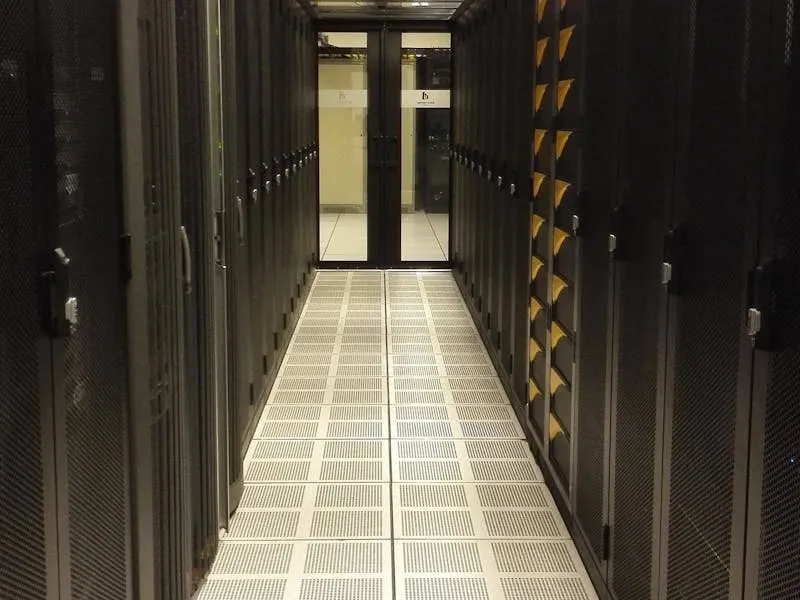
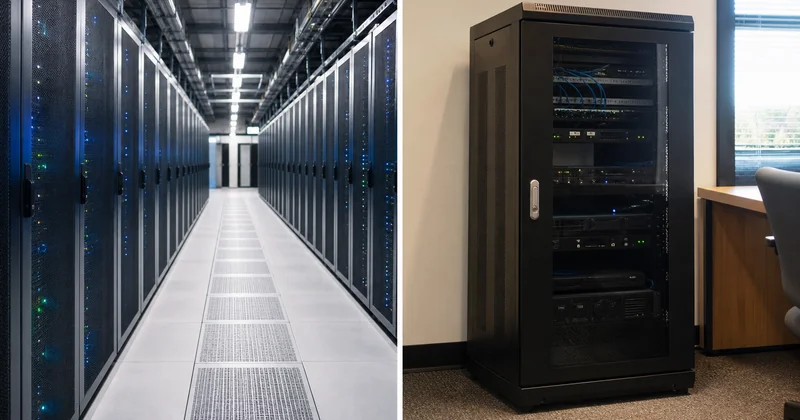
On-premise (sometimes written "on-prem") means your data lives on physical servers in your office or a nearby data closet. Your business owns the hardware, and you or your IT team manage everything, from software updates to hardware replacements to security patches.
It's more like owning your house. You build equity, you control everything, but you're also responsible for every repair and upgrade.
The Real Cost Comparison
This is where most businesses start their evaluation, so let's start here too.
Cloud Storage Costs
- Predictable monthly fees: You pay per user or per amount of storage, usually on a monthly or annual subscription
- No big upfront investment: You don't need to buy servers, networking equipment, or a UPS battery backup
- Maintenance is included: Software updates, security patches, and hardware replacements are the provider's problem
- Costs can grow with usage: If your data grows significantly, your monthly bill goes up
On-Premise Costs
- Significant upfront investment: A quality small business server with proper licensing can run several thousand dollars
- Ongoing maintenance costs: Someone needs to manage updates, monitor for issues, and handle repairs
- Hardware replacement every 5-7 years: Servers don't last forever, and replacement costs add up
- Power and cooling: Servers consume electricity and generate heat, adding to your utility bills
- Lower long-term cost per user in some cases: For larger teams with stable needs, owning can be cheaper over time
Honestly, for most small businesses with fewer than 25 employees, cloud storage tends to cost less once you add everything up. But for larger businesses with stable, predictable workloads, on-premise can sometimes win on a per-user basis over a 5-year period.
Security: Which Is Safer?
This is the question we hear most often.
Many business owners assume that keeping data on-premise is safer because "it's in my building, under my control." There's some truth to that: you do have physical control. But physical control and actual security are two different things.
The case for cloud security:
- Major cloud providers spend billions on security, far more than any small business ever could
- They employ full-time security teams that monitor for threats 24/7
- Data is encrypted in transit and at rest
- Built-in redundancy means your data is stored in multiple locations
- Automatic security patches and updates eliminate the "we'll get to it later" problem
The case for on-premise security:
- You have complete control over who accesses your data and how
- Sensitive data never leaves your building (important for certain compliance requirements)
- No dependency on a third party's security practices
- You can implement custom security measures specific to your industry
For most small businesses, cloud providers offer better security than what you could build and maintain on your own. But if you're in a heavily regulated industry, like healthcare or finance, you may need specific controls that require on-premise infrastructure, or at least a hybrid approach.
Not sure which setup is right for you?
We'll look at your current setup and give you a straight recommendation. No pressure, no sales pitch. Just honest advice from someone who's been in IT for 17+ years.
Book a Discovery CallScalability: Growing Without Growing Pains
If your business is growing, or if your storage needs fluctuate throughout the year, this factor matters a lot.
Cloud scales easily. Need more storage? Add it. Hiring five new employees? Spin up five new accounts. Going from 10 users to 50? No new hardware needed. You pay more, but the infrastructure just stretches.
On-premise scaling is clunky. Need more storage? You might need a new hard drive or a whole new server. That means purchasing, configuring, and deploying hardware, which takes days or weeks, not minutes. And if you over-buy to "future-proof," you're paying for capacity you're not using.
For businesses with unpredictable growth or seasonal fluctuations, cloud is almost always the better fit.
Reliability and Uptime
Both options can be reliable, but they fail in different ways.
Cloud risks:
- Internet outage = no access to your files (unless you have offline sync configured)
- Provider outages do happen, though major platforms like Azure and AWS maintain uptime well above 99.9%
- Performance depends on your internet speed and bandwidth
On-premise risks:
- Hardware failures: hard drives, power supplies, and motherboards all break eventually
- Power outages take your server offline (unless you have a generator or UPS)
- Natural disasters, fires, or floods can destroy everything in one event
- No built-in geographic redundancy: your data is in one place
If your internet connection is unreliable, on-premise might give you more consistent daily access. But if you're worried about disaster recovery and data loss, cloud storage has a significant advantage because your data is automatically replicated across multiple geographic locations.
The Hybrid Option: Best of Both Worlds?
Here's what a lot of businesses don't realize: you don't have to choose one or the other. A hybrid approach uses both cloud and on-premise storage, putting each type of data where it makes the most sense.
A typical hybrid setup might look like this:
- On-premise: Line-of-business applications that need fast local access, large files that would be slow to access over the internet, or data with strict compliance requirements
- Cloud: Email (Microsoft 365), file sharing and collaboration (SharePoint/OneDrive), backups, disaster recovery, and remote access
This gives you the speed and control of on-premise for your most critical daily operations, plus the flexibility and disaster resilience of the cloud for everything else.
We help a lot of our clients set up hybrid environments. It's often the most practical approach, especially during a transition. You don't have to rip out your existing servers overnight. You can move to the cloud gradually, one workload at a time. Once you've decided what's moving, our small business cloud migration guide walks through the steps, the real costs, and the pitfalls to avoid.
When Cloud Makes the Most Sense
Cloud storage is probably the right choice if:
- You have a smaller team (under 25 employees)
- Your employees work from multiple locations or remotely
- You don't have dedicated IT staff to manage servers
- You want predictable monthly costs instead of large capital expenses
- You're growing and need infrastructure that can scale quickly
- Disaster recovery and business continuity are priorities
- Your internet connection is fast and reliable
When On-Premise Makes the Most Sense
On-premise servers might be the better option if:
- You work with extremely large files (video production, CAD, medical imaging) that would be painfully slow over the internet
- Your industry has very specific data residency or compliance requirements that mandate local storage
- Your internet connection is unreliable or slow
- You have a larger team and the budget for dedicated IT management
- You need extremely low-latency access to certain applications
- You've done the math and on-premise is genuinely cheaper for your situation over a 5-year horizon
How to Evaluate What's Right for Your Business
Before making a decision, walk through these questions:
- How much data do you have, and how fast is it growing? Get a real number, not a guess.
- How many people need access? And from where: just the office, or from home and on the road too?
- What applications do you run? Some apps run better on-premise; others work best in the cloud.
- What are your compliance requirements? HIPAA, PCI-DSS, and other regulations may dictate where data can live.
- What's your internet situation? Speed, reliability, and whether you have a backup connection all matter.
- What's your budget reality? Can you handle a large upfront investment, or do you need to spread costs monthly?
- What happens if you lose everything tomorrow? How long can your business survive without access to its data?
Don't try to answer these alone. A good cloud services partner will sit down with you, look at your setup, and help you think through the trade-offs. Go with what fits how your business works, not what's trendy.
The Bottom Line
There's no one right answer in the cloud storage vs on-premise debate. Both have real strengths and real trade-offs. Start with what your business needs, not with what some vendor is trying to sell you.
If you're a small business with remote workers, growing fast, and want to keep things simple, cloud is probably your best bet. If you've got large files, strict compliance needs, and a reliable IT team, on-premise still has a place. And for many businesses, a hybrid approach gives you the flexibility to get the best of both.
Whatever you decide, don't just pick the option that sounds good. Pick the one you can actually maintain, afford, and grow with over the next 3 to 5 years.

Founder, NGT Technology
Martin has spent 17+ years in IT, helping small businesses across Gwinnett County and metro Atlanta make smart tech decisions. He's experienced with Microsoft, Azure, and AWS.